We wrote a toot on an old mastodon server that’s gone and can’t find any online reference to it. We’re re-posting it here and expanding on it. (Do you have a backup/data dump of your social media?)
We were recently traveling and when we pulled out our cables, people asked about the tags.
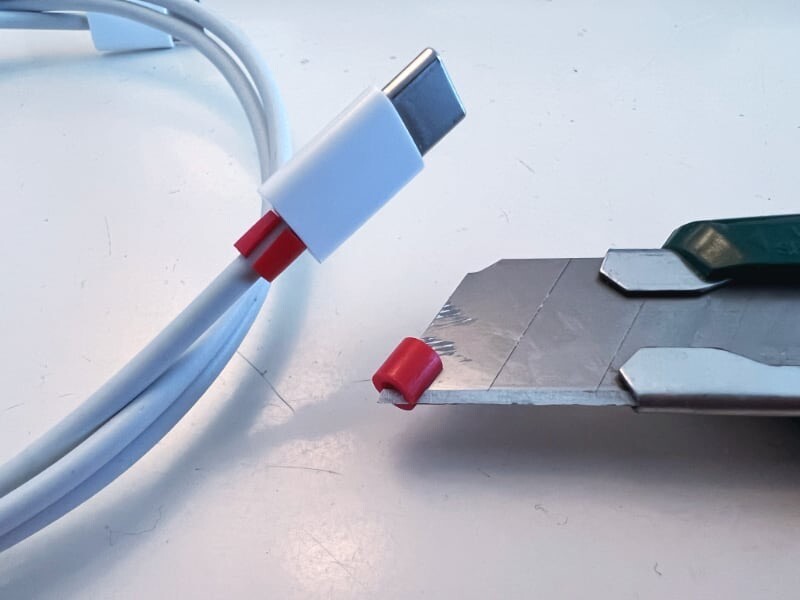
Here’s how we organize our cables.
- Get a knife and some plastic melting beads used for kids’ art projects.
- Using the knife, cut the bead length-wise to create a break and wrap it around the cable.
- Use different colors, shades or color combinations to identify types and lengths of cables.
When everyone has their Rat king of cables, you know which are yours.
Over the last few years we’ve been transitioning away from USB-A, lightening and other non-USB-C cables. Somewhere along the line we set yellow-ish colors to demarcate lightening cables and blue-ish colors for USB-C.
Adding colored markers to both ends of a cable, we know what-is-what when pulling them out of a bundle. Is this a game-changing-life-saver? Probably not, but it helps us stay organized and at a glance we can tell if we’re missing a cable.
This also helps our desktop setup. As cables on top of the desk disappear underneath and to the back of a computer, because they are color labeled we know which to safely remove when needed.
We originally had the idea to use a few colors for the connector type and another color on each end to let you know if it was A-to-A or A-to-C or C-to-C or something else to A or C. That wasn’t really practical for us in the end, so we stuck with one color applied at both ends of the cable.
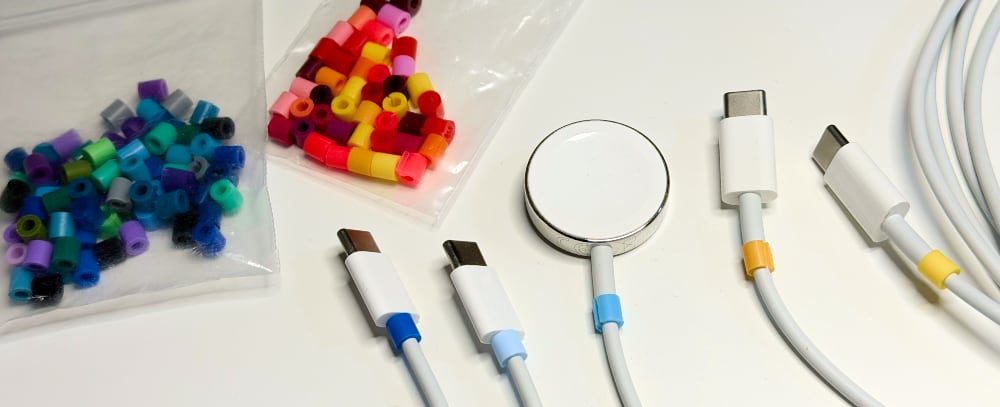
There are a lot of shades of Yellow and Blue that we could pull from. That turns out to be pretty handy because we do bring several USB-C cables on trips. They charge phones, tablets, watches, batteries, computers and more.
Feel free to create your own system. 1, 2 or 3 colors for what ever you want format or designation you need: Data only, 60W, 100W, 240W cables, USB-A-to-C, micro-USB, Qi, etc.
The original idea for the color coding comes from electronic resisters. They are color-coded and if you know how to read it, you can figure out the impedance.
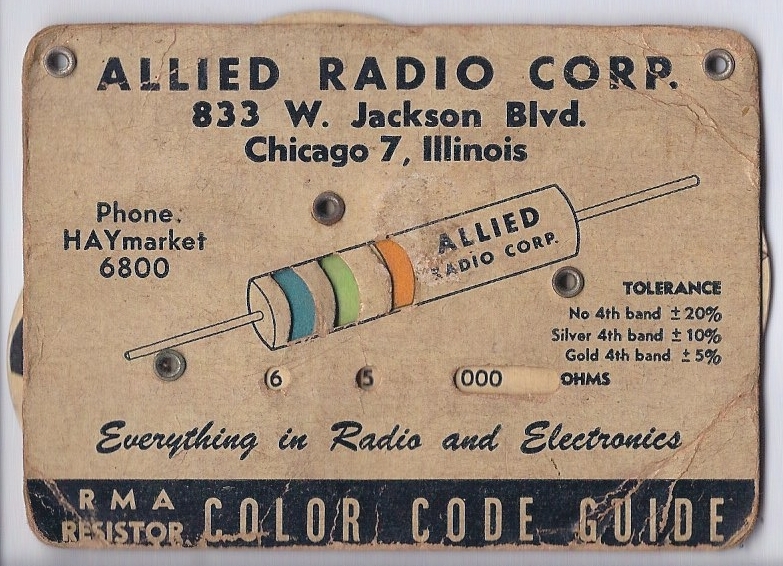
The color-codes in electronics are very specific and tolerance demanding. Our color system is much less important. If you picked-up the wrong cable, it was probably fine if the plug fits, maybe it wasn’t optimal, but it wouldn’t short-out the electrons.
When traveling, as part of our kit, we have a small bag of these beads pre-sliced. Not for, all our cables are marked, but to share with others.